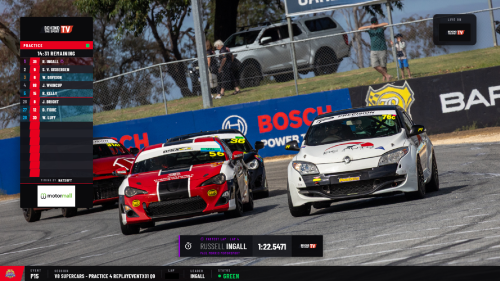
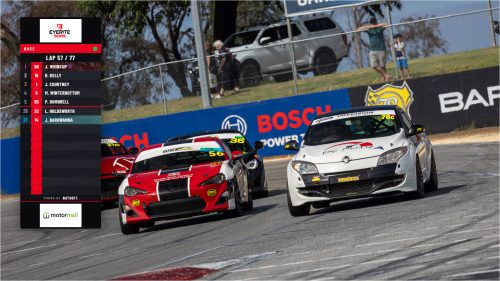
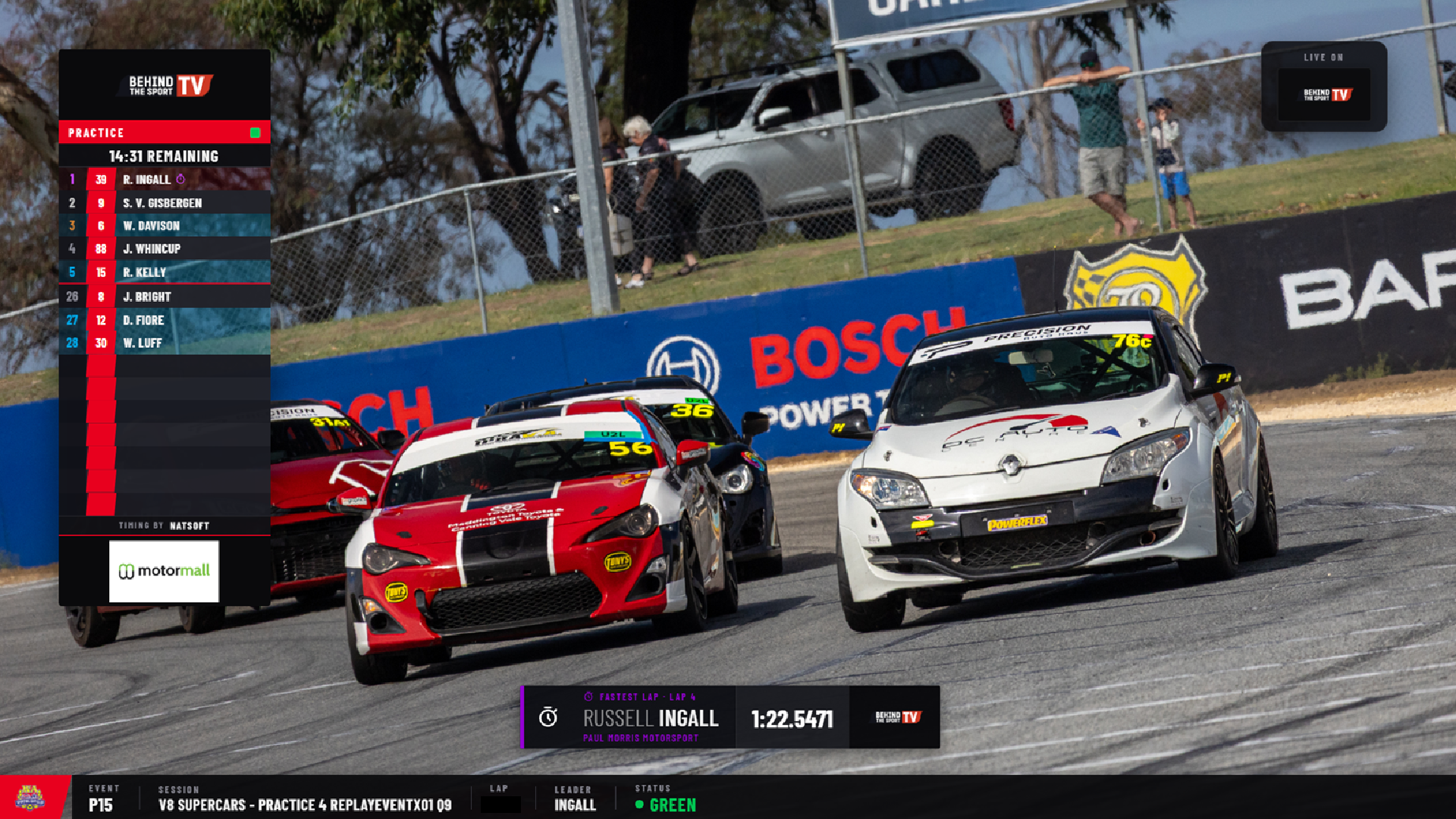
Fastest sector, gap to leader, the running order as it actually updates. We’d read the docs, trawl the community forums and the official support, trial it where we could, and the answer kept coming back the same: it didn’t. NATSOFT is the timing backbone for a huge slice of Australian motorsport, the data is right there, and almost nothing off the shelf knew how to talk to it. So we stopped looking for a product that did everything and built the part nobody else would.
This is the honest version of how that happened — what we tried to buy, why it didn’t fit, and how we ended up with an in-house system instead. NATSOFT, for anyone outside the timing world, is the scoring and timing software that runs a big chunk of circuit and speedway events here; it’s what produces the official results and the live data feed a broadcast graphics package needs to be useful.
What “off the shelf” actually means in this corner of the sport
There are good broadcast graphics products out there. Most of them handle the graphics part competently — lower thirds, full-frame results, sponsor bugs, the standard furniture of a motorsport broadcast. Up to a point. The point they stop at is integration.
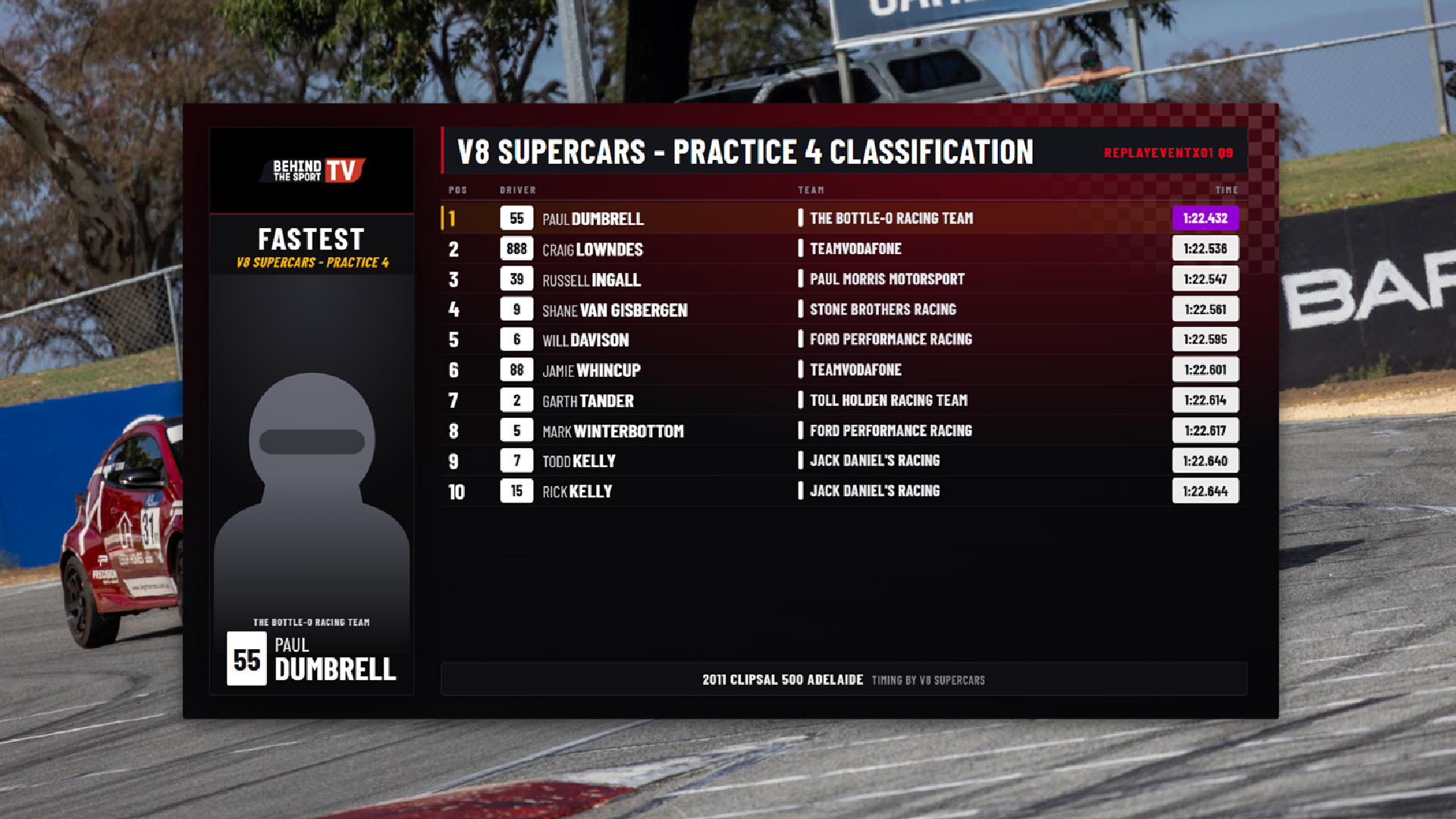
A graphics overlay is only as good as the data behind it. A clock that you type in by hand is a liability. A running order that someone updates manually is going to be wrong by lap three. What makes timing graphics worth putting to air is that they’re live, automatic, and correct — driven straight off the timing system so they update the instant the timing system does. That’s the whole game. And that’s the bit the off-the-shelf options couldn’t do, because they had no NATSOFT integration. They could draw a beautiful sector-time graphic; they just had no way to know what the sector time was.
So we did what you do — we went looking for developers who could bridge that gap. We sent the NATSOFT specs out. And we watched a pattern repeat: most developers we contacted took one look at the specs and shied away from it. Timing data is its own world. The integration is fiddly, the documentation is what it is, and the addressable market for “NATSOFT graphics integration, specifically” is small enough that it’s a hard sell for a dev shop to commit to. We don’t blame anyone for passing. But pass they did.
The one product we found — and why it didn’t stick
We did find a product that claimed the integration. On paper it was the answer. In practice it taught us why we’d end up building our own.
The support was lacking — when something broke or behaved oddly, getting a useful response was slow and uncertain, and on a live broadcast “slow and uncertain” is the same as “broken.” The UI lagged heavily; a graphics operator working live needs the interface to respond the instant they click, and an interface that stutters under load turns a routine cut into a gamble. Customising it was complicated — getting it to look the way we wanted, rather than the way its template wanted, took far more fighting than it should have. And the customisations didn’t always stick. You’d set something up, get it right, come back and find it reverted or half-applied. That last one is the killer. If you can’t trust your saved layouts to still be there when you open the show, you’re rebuilding under pressure every single time, and that’s no way to run live television.
None of this is a hit piece on a specific product — it’s the honest reason we walked. A graphics system you can’t trust to hold its state and respond in real time isn’t a graphics system, it’s a source of stress on a day that already has plenty.
Building the gap ourselves
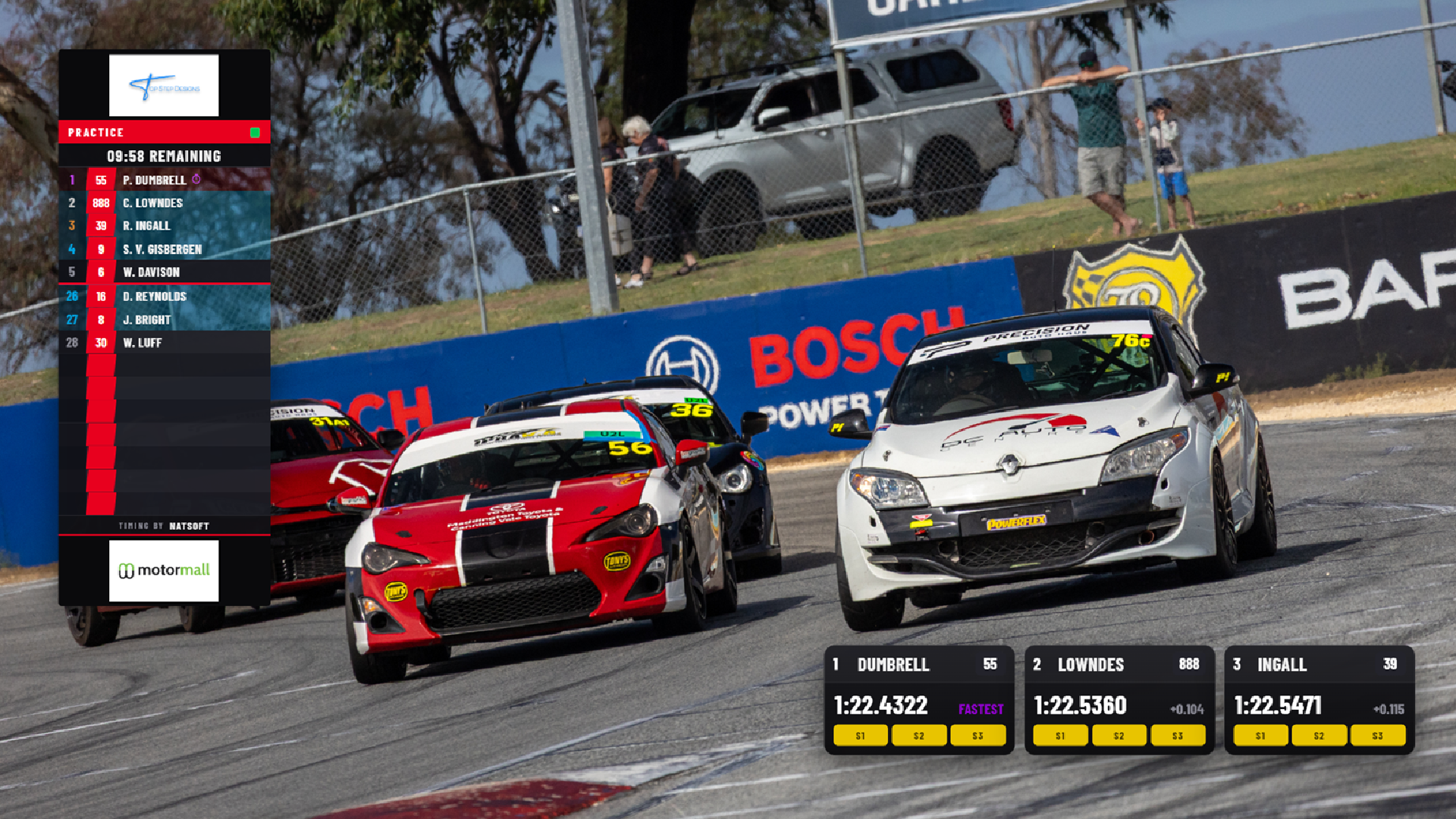 So we took the in-house knowledge we already had — what NATSOFT actually outputs, how a live motorsport show is actually cut, what an operator actually needs on screen and when — and combined it with Claude AI models to fill the gaps in the build. That’s the honest mechanism: we know the sport and the timing data cold, and we used the AI to accelerate the parts where we’d otherwise have been blocked, writing and shaping the integration and the design layer faster than we could have alone.
The hard part wasn’t drawing graphics — it was the plumbing underneath. The integration has to take the live data NATSOFT is putting out and turn it into something a graphics engine can render frame-accurately: parse the feed, map the fields that matter, and push them to screen fast enough that a sector time on the overlay matches the sector time on the timing screen with no lag a viewer would notice. Get that wrong and the graphics drift out of sync with reality, which is worse than no graphics at all. That’s the layer the dev shops looked at and walked away from, and it’s the layer we couldn’t walk away from, because without it everything else is decoration.
The thing worth being upfront about is what that AI involvement did and didn’t mean. It did not mean letting a model spit out generic graphics. It meant strict training of the AI to avoid AI slop in its designs — feeding it our standards, our look, our discipline, and rejecting anything that came back looking like the homogenised default every other tool produces. The same rule we hold our own work to, we held the AI to. If a layout came back looking like stock motorsport furniture, it got killed and rebuilt. The model is a tool in the hands of people who know exactly what they want on screen — not a substitute for that judgement. We’re still doing this, by the way — it’s not a one-and-done. Every new layout gets the same scrutiny.
The non-negotiables it had to hit
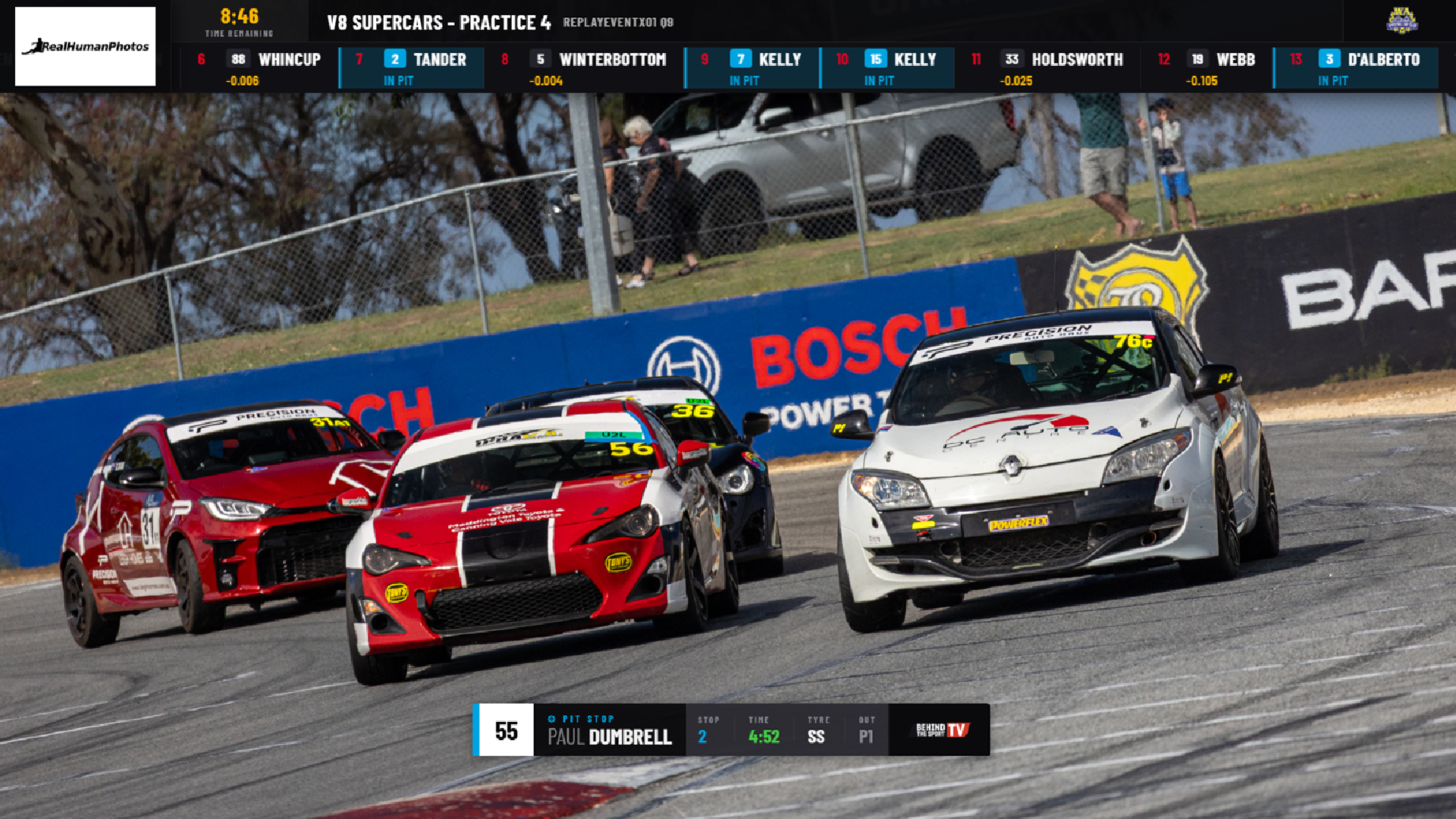 A few requirements were fixed from the start, and they’re the reason a generic product was never going to work even if the integration had been there.
It had to be flexible enough to provide per-category sponsorship placements. Motorsport sponsorship isn’t one logo in one corner for the whole broadcast — different categories on the same day carry different sponsors, and a sponsor who’s paid for visibility in their category needs to actually appear when that category is on track, not get a generic bug that ignores who’s running. A rigid template can’t do that. The system needed to swap sponsor placements by category, automatically, so each one gets what they paid for and the broadcast doesn’t have to be hand-managed race to race.
It had to be compatible with Companion. The Stream Deck and Companion are how an operator actually fires graphics live — physical buttons mapped to actions, so cutting to a results page or a replay bug is one press, not a hunt through a menu. If the graphics system can’t be driven from Companion, it doesn’t fit how the show is run. So that compatibility was a hard requirement, not a nice-to-have.
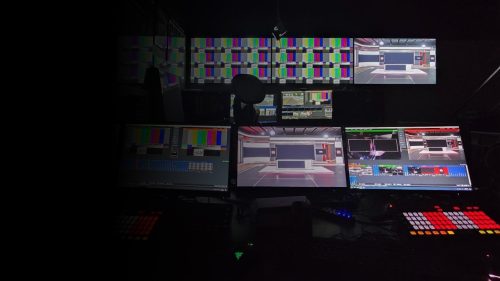
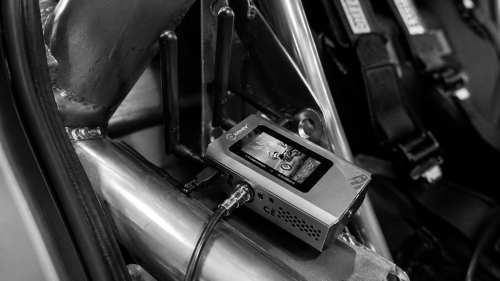
And it had to fit our environment — slot into the remote production setup we already run, alongside the rest of the gear, rather than demanding we rebuild everything around it. A product that wants to be the centre of the universe is a product that doesn’t survive contact with a real outside broadcast.
What’s still rough
It works, and it’s run live. But in the spirit of showing the actual state of things rather than the brochure version: it’s purpose-built, which means it’s built for us first. The per-category sponsor logic is solid; the customisation layer is still something we’re actively shaping rather than a finished, anyone-can-drive-it product. There are edges we’re still smoothing — the kind you only find by running the thing under real broadcast load and noting what annoyed you afterwards.
That’s deliberate, and it’s the next chapter. The reason it holds its state, responds when you click it, and shows the right sponsor for the right category is that we built those as the foundations rather than bolting them on. The reason it’s not yet a polished product anyone could pick up is that we built it to run our shows before we built it to sell. Both of those are true at once.
Why this was the right call
 Buying would have been easier if a product had existed that actually did the job. None did — not with NATSOFT integration, real-time reliability, per-category sponsor handling, and Companion compatibility all in one. The closest thing we found failed on the reliability that matters most when you’re live. So the choice was build or compromise, and compromise on a live broadcast costs you in front of an audience.
The in-house route gave us a system that knows our timing data, fits our gear, holds its layouts, fires off our Companion setup, and puts the right sponsor on screen for the right category — built by people who run the broadcasts it’s for. It’s not finished. It’s ours, it’s honest about its rough edges, and it does the one thing the off-the-shelf world wouldn’t: it actually talks to NATSOFT. Where it goes next — turning this into something other teams could use, and opening up the colour schemes and customisation to match a specific client’s look — is the subject of the next piece.